
宝塔纯净版11.5.0 BThappy.COM 
全球超过1500万台服务器安装使用宝塔,持续更新维护5年值得信赖
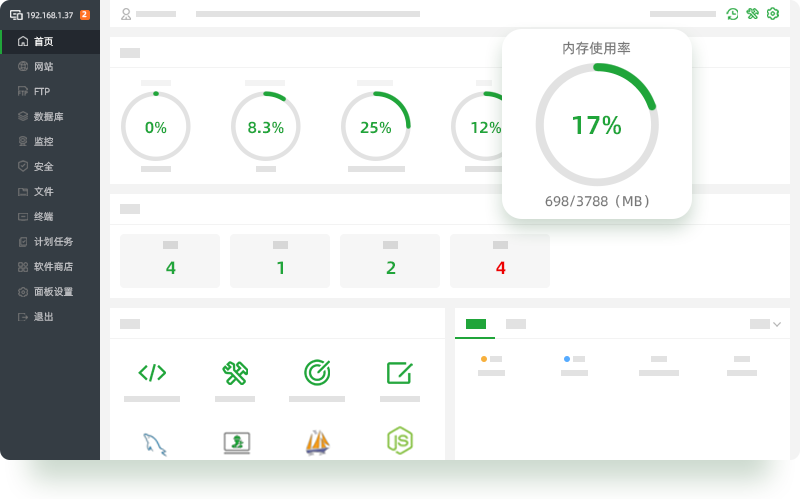
Linux面板 11.5.0
支持Ubuntu、Debian、Centos、Fedora、麒麟、统信UOS等全部Linux系统。
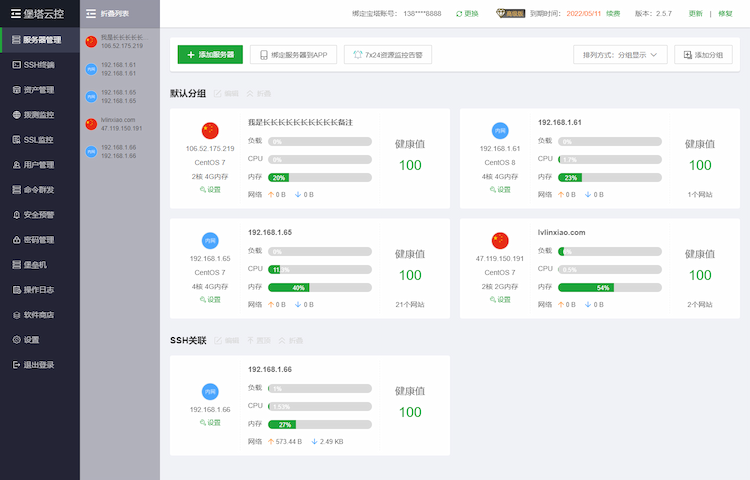
宝塔云安全监控
多机跨平台安全管理和监控
操作简单
使用方便
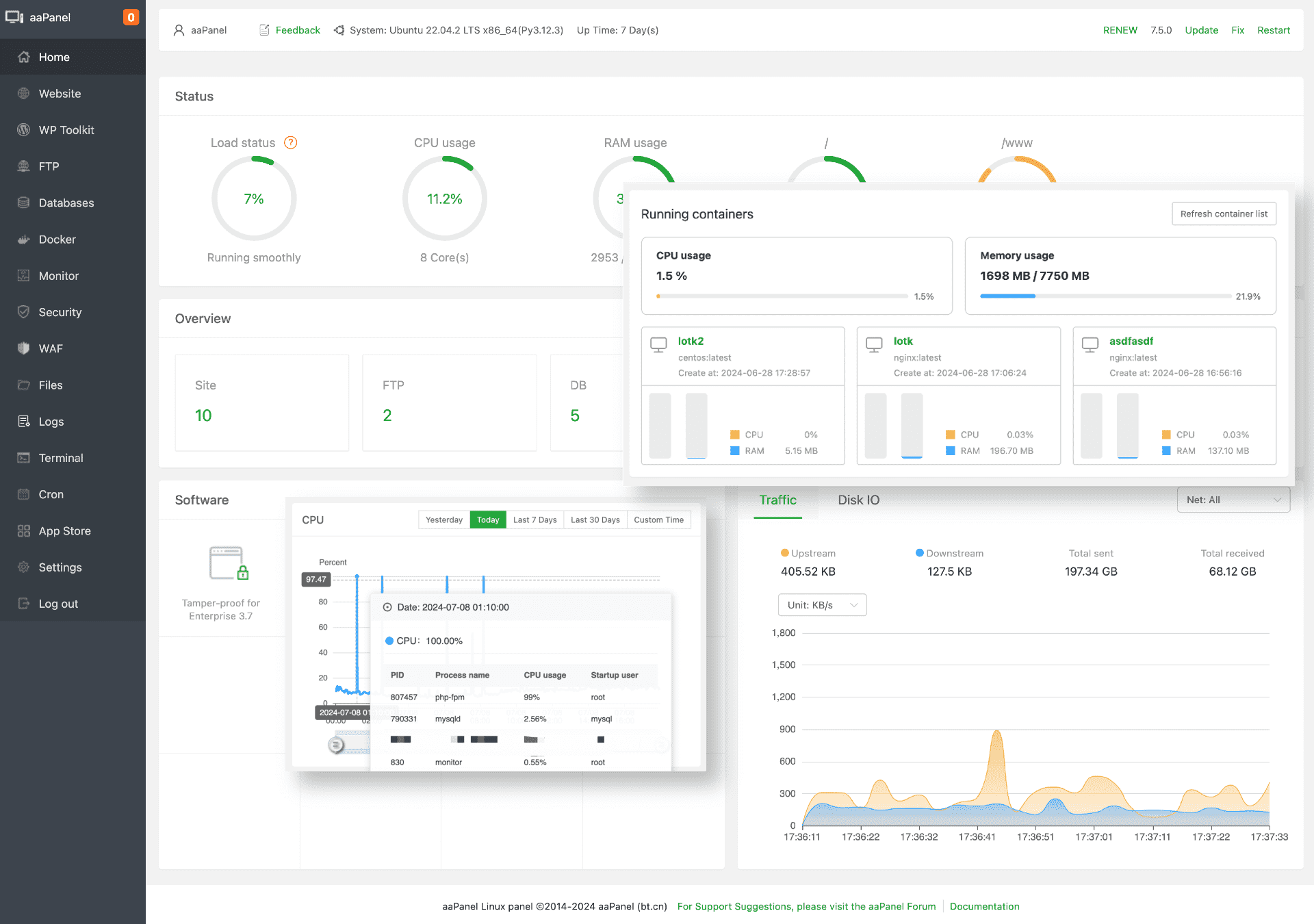
aaPanel Pro edition 7.0.23
BT-Panel International Edition
Easy to operate
Convenient to use
宝塔面板11.5.0安装脚本
顶尖站长群
https://qun.bthappy.com
通用/万能安装脚本
if [ -f /usr/bin/curl ];then curl -sSO
https://bt11.bthappy.com/install/install_panel.sh;else wget -O install_panel.sh
https://bt11.bthappy.com/install/install_panel.sh;fi;bash install_panel.sh bt11.bthappy.com
复制命令
升级提示:
系统兼容性排序: Ubuntu 22 (纯净版推荐) / CentOS 9 / Debian 12 / OpenCloud 9 / AlibabaCloud 3 > 麒麟,统信,欧拉等Linux系统;
SSH登录后输入bt 18 设置是否自动备份面板 ,重复输入几次命令即可关闭/开启网站列表的备份;备份后再复制安装命令、在SSH中执行命令,覆盖安装即可;
8.x版本直接覆盖安装即可升级到11.5.0版本;
7.x版本不建议覆盖安装升级到11.5.0,因为7.x宝塔依赖的CentOS 7已停止维护,请使用 Ubuntu 22、CentOS 9、Debian 12系统。
系统兼容性排序: Ubuntu 22 (纯净版推荐) / CentOS 9 / Debian 12 / OpenCloud 9 / AlibabaCloud 3 > 麒麟,统信,欧拉等Linux系统;
SSH登录后输入bt 18 设置是否自动备份面板 ,重复输入几次命令即可关闭/开启网站列表的备份;备份后再复制安装命令、在SSH中执行命令,覆盖安装即可;
8.x版本直接覆盖安装即可升级到11.5.0版本;
7.x版本不建议覆盖安装升级到11.5.0,因为7.x宝塔依赖的CentOS 7已停止维护,请使用 Ubuntu 22、CentOS 9、Debian 12系统。

宝塔面板独家Telegram通知教程(免费无限制)
面板安装流程?
1. 使用SSH远程终端工具,如跳板机JumpServer (跳板机介绍) 连接 抗投诉服务器
2. 使用root账户安装宝塔纯净版(大约2分钟左右)
3. 安装完成根据获取的账户密码进行访问宝塔面板
宝塔Linux面板系统和环境的兼容性?

面板安装后无法访问,如何排查?
如何查看默认账号密码?
面板提示不是安全连接或私密连接
推荐使用 Ubuntu 22 (纯净版推荐)、CentOS 9 (纯净版推荐)、Debian 12
(安装失败率高),如遇安装失败请多尝试安装几次即可成功。
主控端安装脚本
被控安装脚本请在云监控面板中获取
if [ -f /usr/bin/curl ];then curl -sSO
https://bt11.bthappy.com/install/install_btmonitor.sh;else wget -O install_btmonitor.sh
https://bt11.bthappy.com/install/install_btmonitor.sh;fi;bash install_btmonitor.sh bt11.bthappy.com
复制命令
注意:安装完成后推荐使用Chrome、火狐、edge浏览器,访问登录系统(不推荐使用国产浏览器)
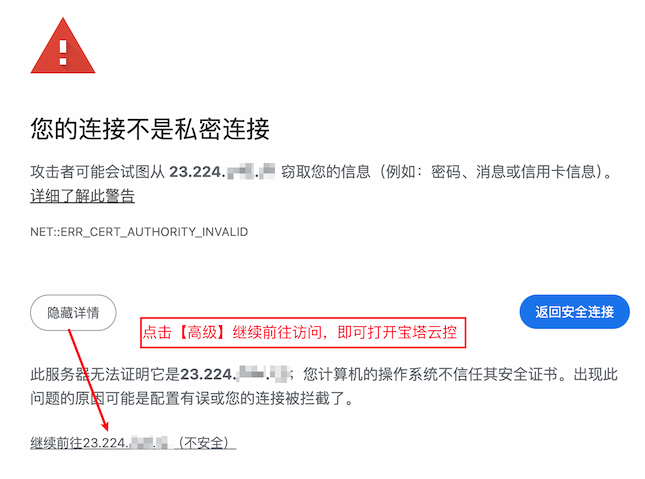
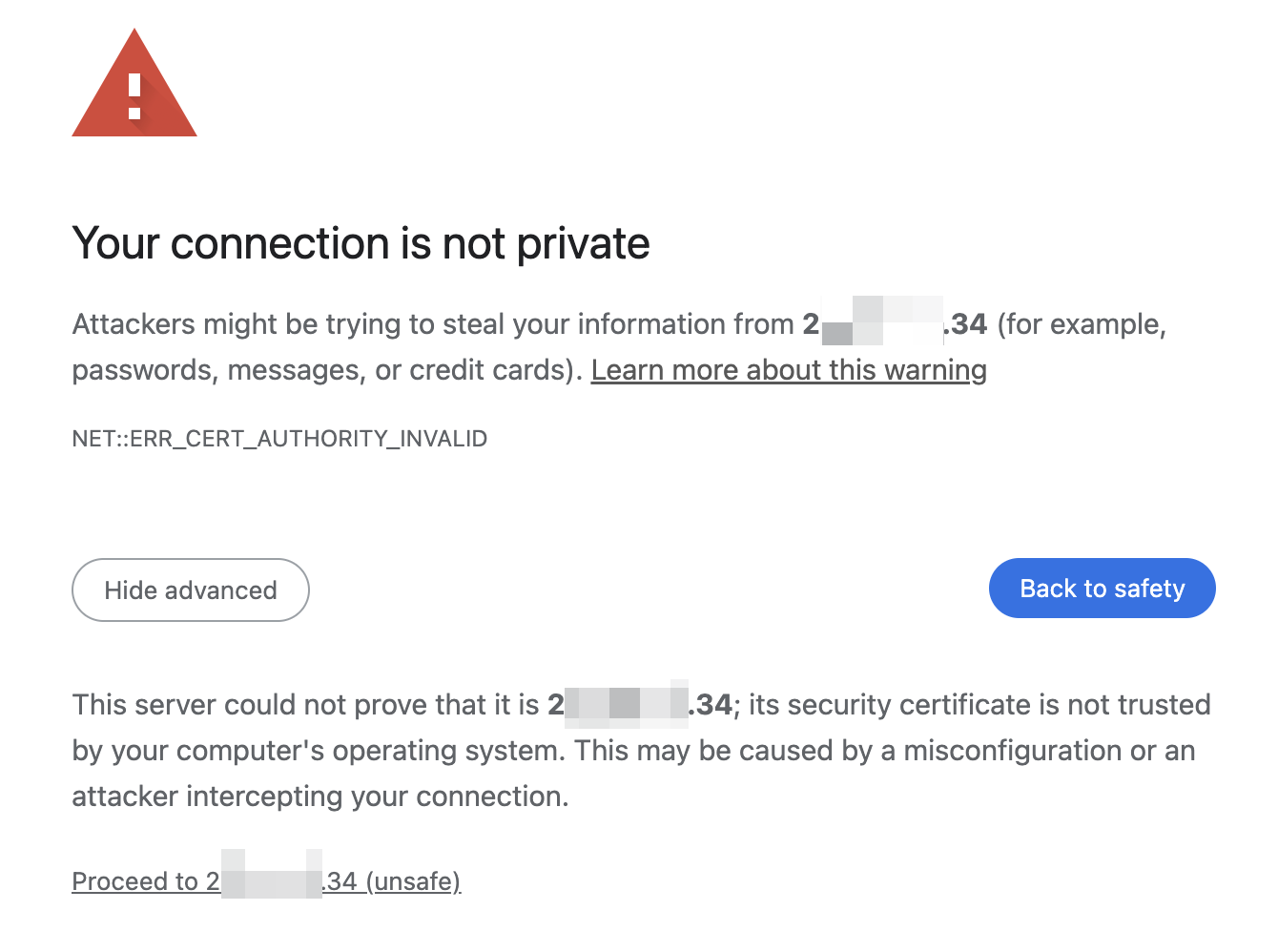
首次访问是https,需要点击 高级->继续前往,如图:
云控安装流程
1. 使用SSH远程终端工具,如跳板机JumpServer (跳板机介绍) 连接 抗投诉服务器
2. 使用root账户安装宝塔纯净版(大约15分钟左右),可能经常中断,需要多重复执行几次安装命令
3. 安装时可能会有一两次系统提示,直接回车确认即可
4. 推荐使用Ubuntu 22 (纯净版推荐)、CentOS 9 (纯净版推荐)、Debian 12 (安装失败率高)
5. Debian 12 安装时异常报错的失败率高,需要多次尝试安装才能成功
6. 安装完成根据获取的账户密码进行访问宝塔面板
宝塔云控修改密码
宝塔云控纯净版独家Telegram通知教程(免费无限制)
aaPanel Pro 7.0.23 Cracked BThappy edition Free install
script
Telegram
Group https://qun.bthappy.com
It is recommended that you use Ubuntu22.04 to install aaPanel: Ubuntu-22 (Recommend) or Debian-12 >
CentOS 9
Use an SSH remote terminal tool, such as JumpServer
(Introduction), to connect
to the DMCA-Ignored/Complaint-Resistant
Server
Execute the corresponding commands according to the system to begin installation (installation of the BT Panel will be completed in about 2 minutes):
Execute the corresponding commands according to the system to begin installation (installation of the BT Panel will be completed in about 2 minutes):
Install script
if [ -f /usr/bin/curl ];then curl -sSO
https://bt11.bthappy.com/install/install_7.0_en.sh;else wget -O install_7.0_en.sh
https://bt11.bthappy.com/install/install_7.0_en.sh;fi;bash install_7.0_en.sh bt11.bthappy.com
Copy Script
Upgrade Notice:
System compatibility ranking: Ubuntu 22 (BThappy Recommended) / CentOS 9 / Debian 12 / OpenCloud 9 / AlibabaCloud 3 > Kylin, UnionTech, OpenEuler and other Linux systems;
After logging in via SSH, enter bt 18 to set whether to automatically back up the panel . Re-enter the command a few times to disable/enable backups of the website list. After backing up, copy the installation command again, execute it in SSH, and perform an overwrite installation;
Version 8.x can be directly upgraded to version 11.5.0 via overwrite installation;
It is not recommended to upgrade version 7.x to 11.5.0 via overwrite installation, because CentOS 7, which BT 7.x depends on, has reached end of life. Please use Ubuntu 22, CentOS 9, or Debian 12 systems instead.
System compatibility ranking: Ubuntu 22 (BThappy Recommended) / CentOS 9 / Debian 12 / OpenCloud 9 / AlibabaCloud 3 > Kylin, UnionTech, OpenEuler and other Linux systems;
After logging in via SSH, enter bt 18 to set whether to automatically back up the panel . Re-enter the command a few times to disable/enable backups of the website list. After backing up, copy the installation command again, execute it in SSH, and perform an overwrite installation;
Version 8.x can be directly upgraded to version 11.5.0 via overwrite installation;
It is not recommended to upgrade version 7.x to 11.5.0 via overwrite installation, because CentOS 7, which BT 7.x depends on, has reached end of life. Please use Ubuntu 22, CentOS 9, or Debian 12 systems instead.
Because the aaPanel is accessed via HTTPS and the IP itself does not currently have an SSL certificate, please click Advanced -> Proceed to x.x.x.x (unsafe) in your browser, as shown in the figure:
使用指南
阅读完整教程 →
从安装到使用,一篇文章快速上手
连接服务器、安装面板、找回登录信息,按步骤完成首次配置。
Exclusive Telegram Notification Tutorial (Free & Unlimited)
aaPanel Installation Process?
1. Use an SSH remote terminal tool, such as JumpServer (Introduction) to connect to the Anti-Complaint Server
2. Use the root account to install BThappy Edition (about 2 minutes)
3. After installation, log in to the BT panel using the generated account and password
aaPanel-Pro Hardware Requirements
Minimum: 1 core CPU + 512MB RAM
Recommended: 1 core CPU + 1G RAM
Can I use it without licenses?
aaPanel System and Environment Compatibility?
Panel installed but cannot be accessed, how to troubleshoot?
How to check the default account and password?
Panel prompts "Not a Secure/Private Connection"